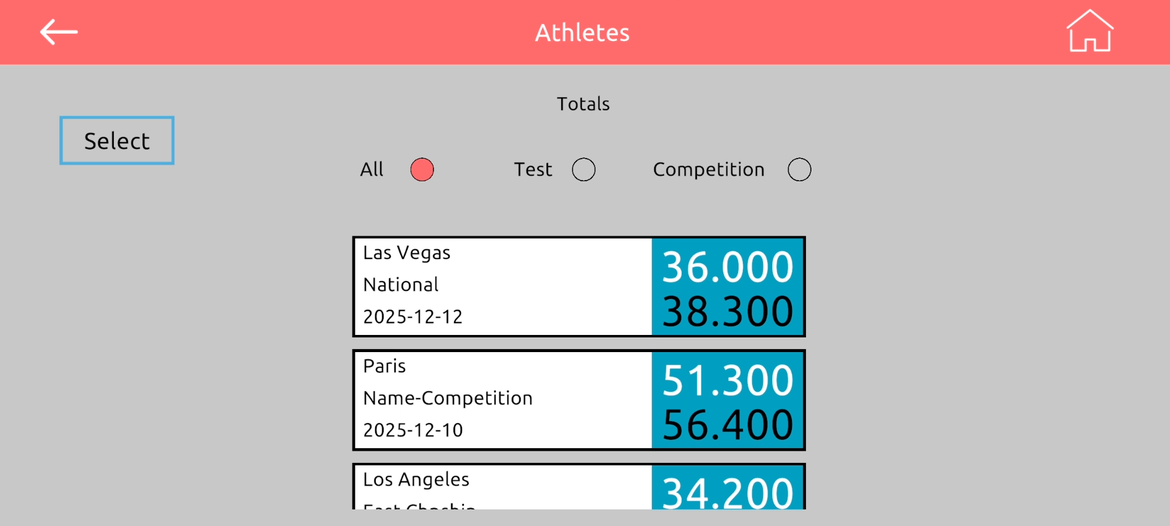
before entering a score, Follow the following steps
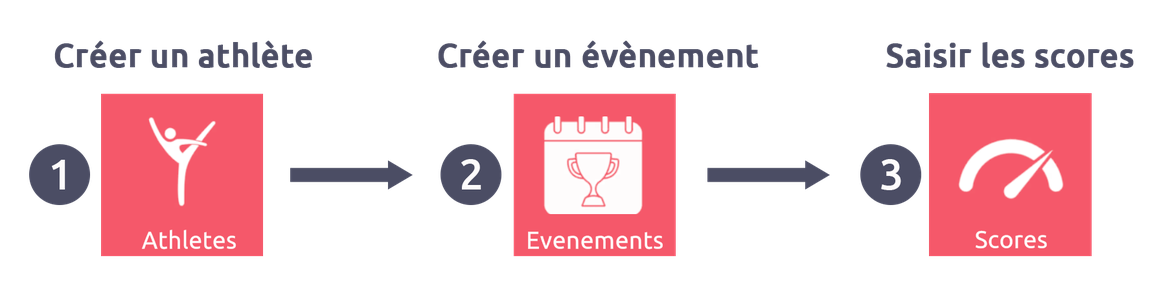
To record a score in the application, you must follow 3 steps in order:
1. Create one or more athletes
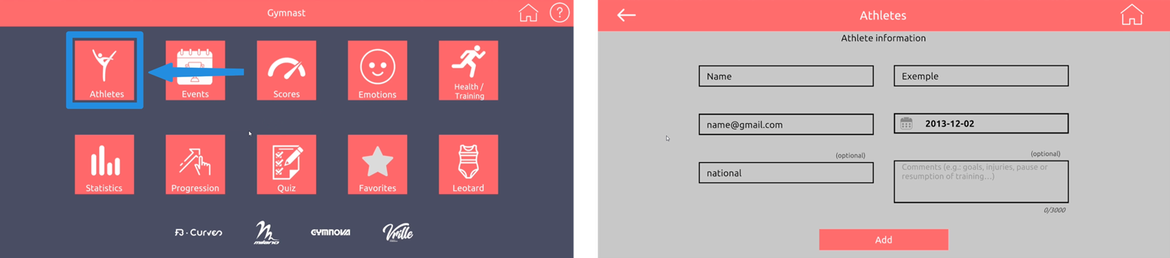
First add the gymnasts by filling in their information: last name, first name, date of birth, category, etc.
2. Create an event
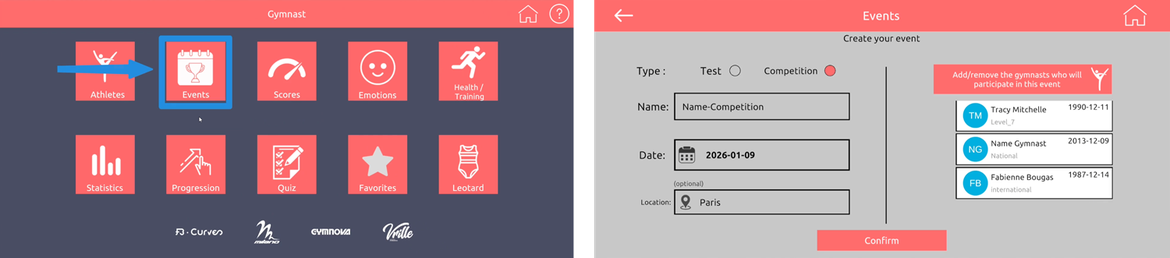
Next add a test or competition by entering the name, date, and location, then assign the participating gymnasts.
3. Enter the scores
Once the athletes and the event have been created, go to the Scores tab to select the athlete and enter their scores.
Note: It is not possible to record a score if the athlete and the event have not been created beforehand.
1. Create one or more athletes
Create a profile for each athlete by entering the following informa
2. Create an event
Add a test or a competition by entering the following information:
3. Enter the scores
Click on “Score.”
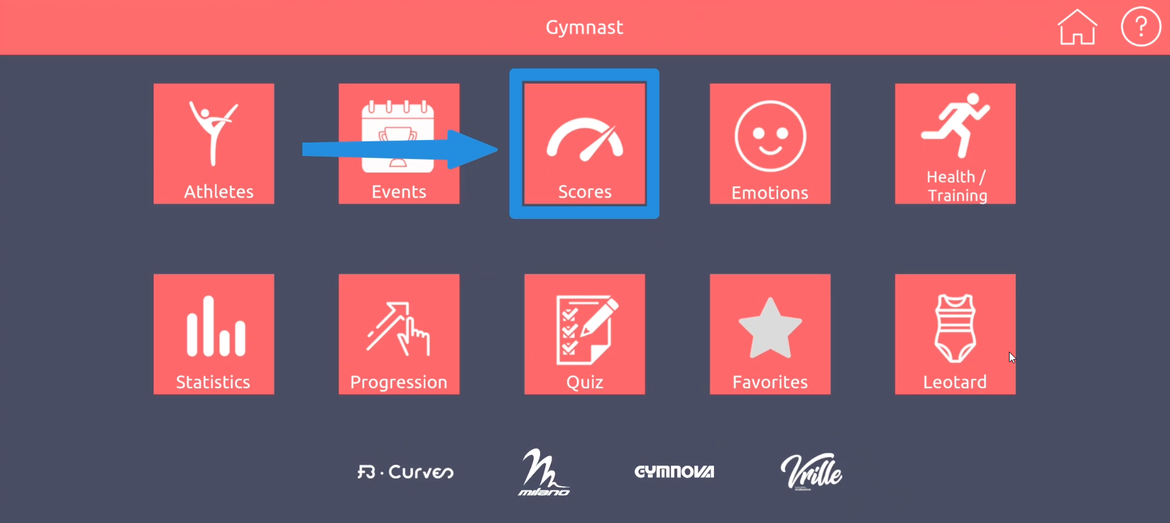
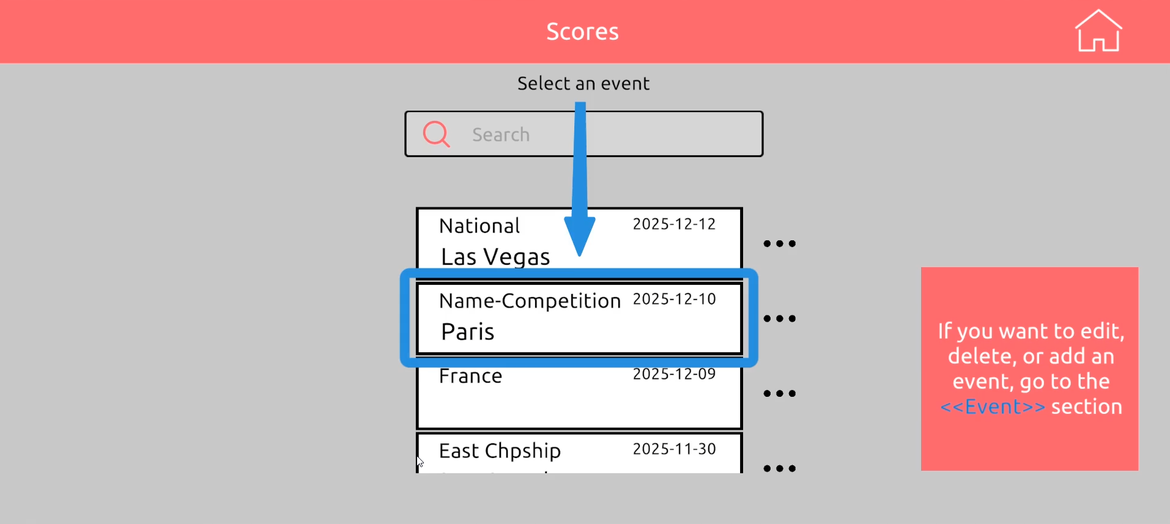
Select the event:
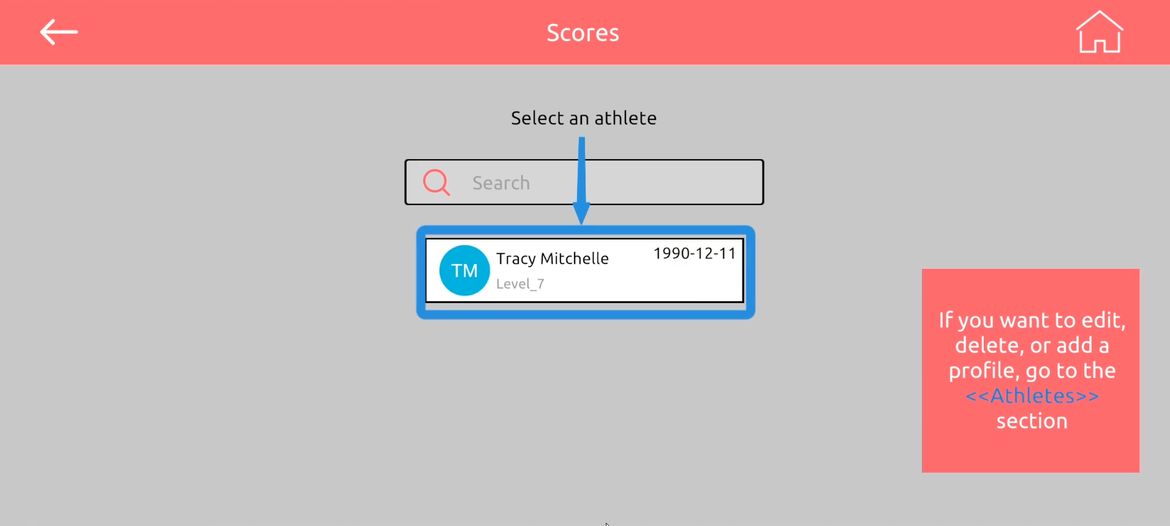
Select the gymnast:
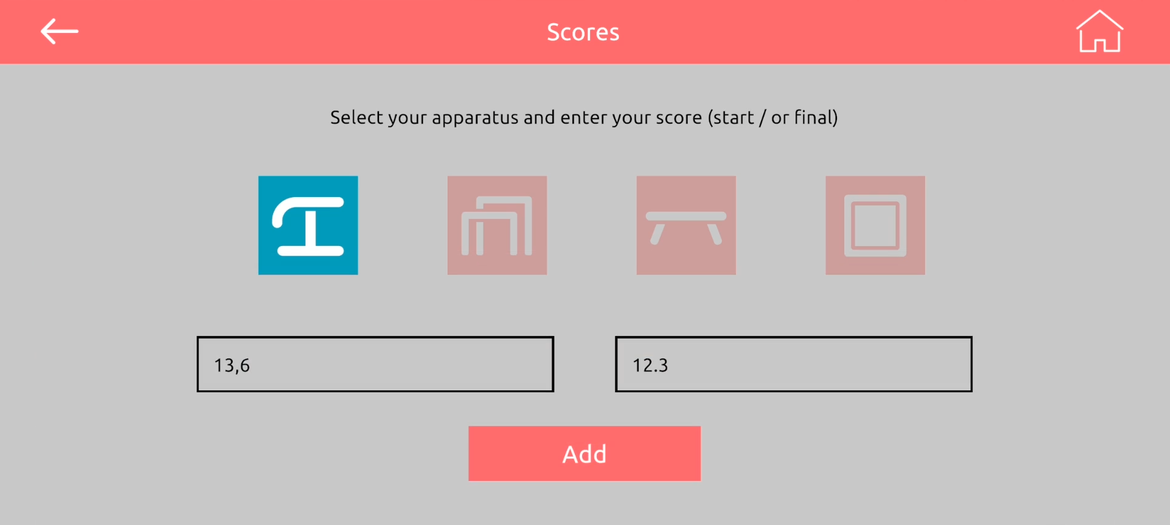
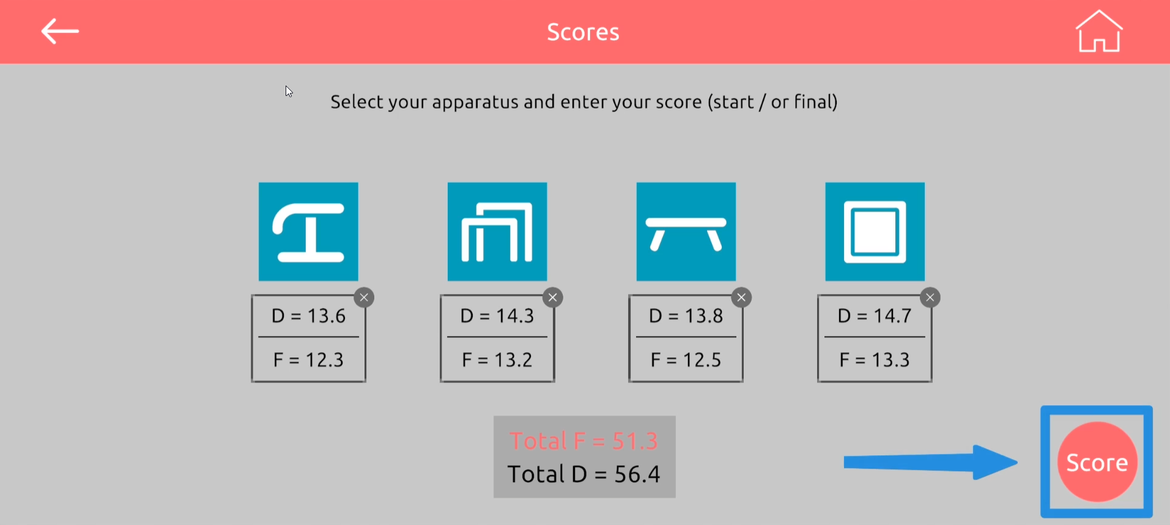
Entet the D score and/or the final score, then click "Score":
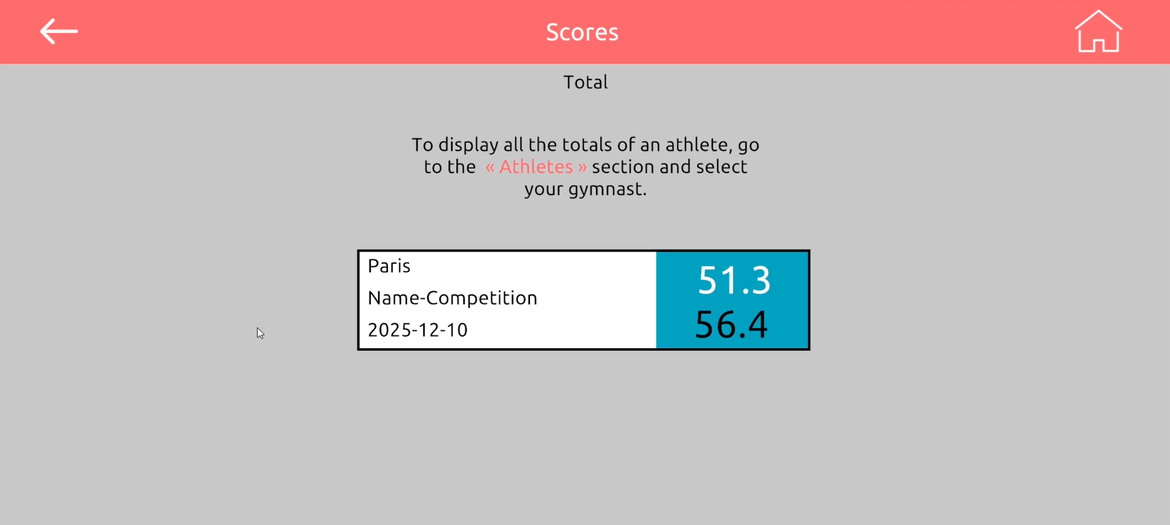
4. Find all the gymnast scores in the section "Athletes":