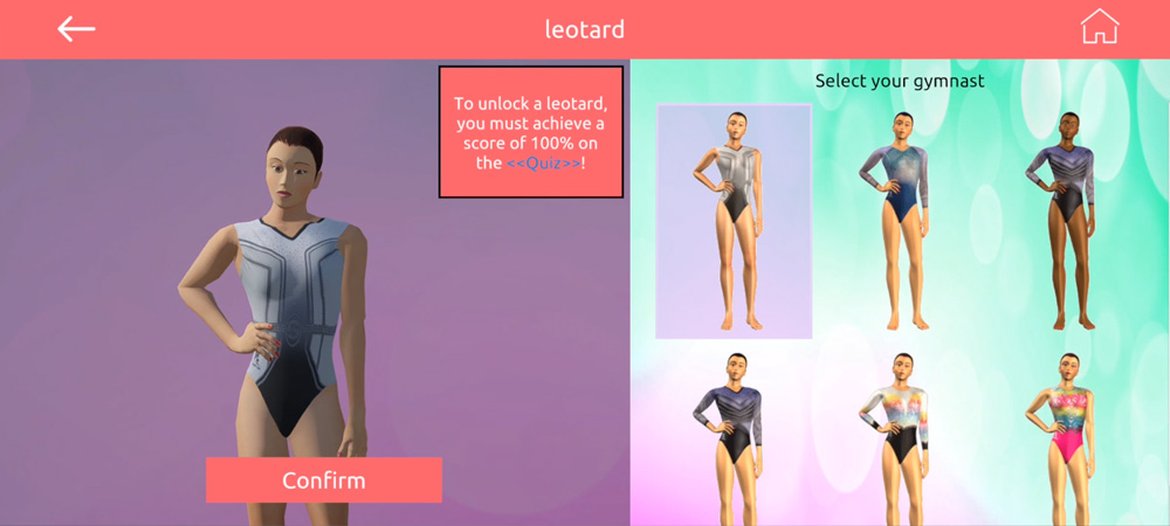
By default, only one avatar is available. Here’s how to unlock the others:
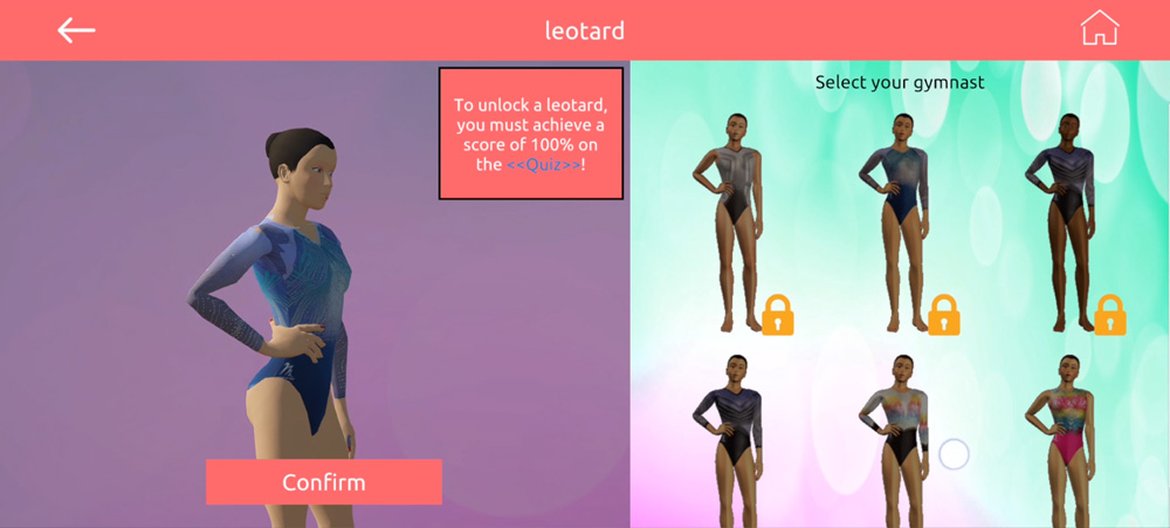
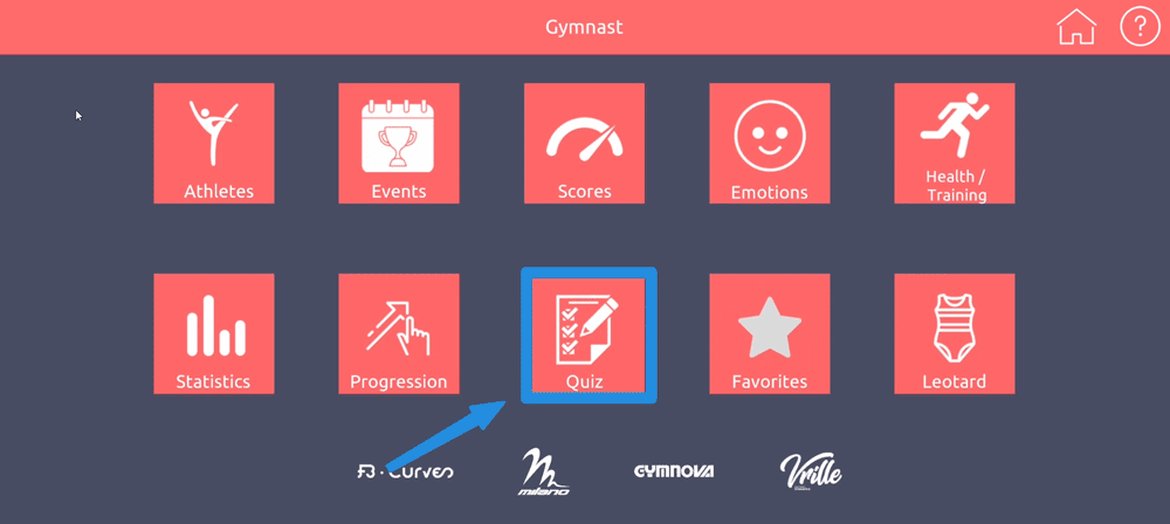
1- Go to the “Quiz” section:
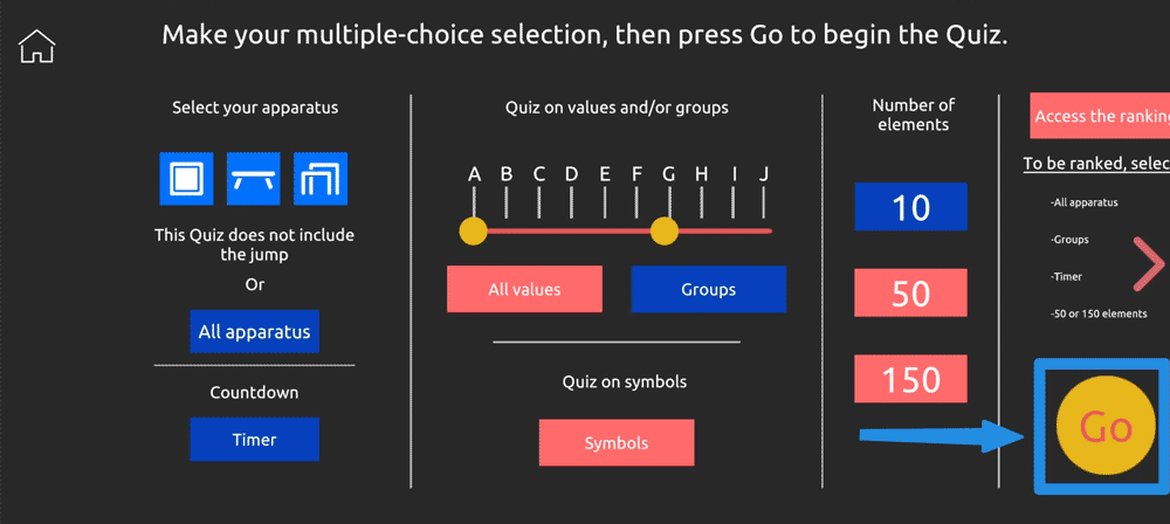
2- Select your apparatus/groups/values and start the quiz:
3- Guess the group and value of the elements shown:
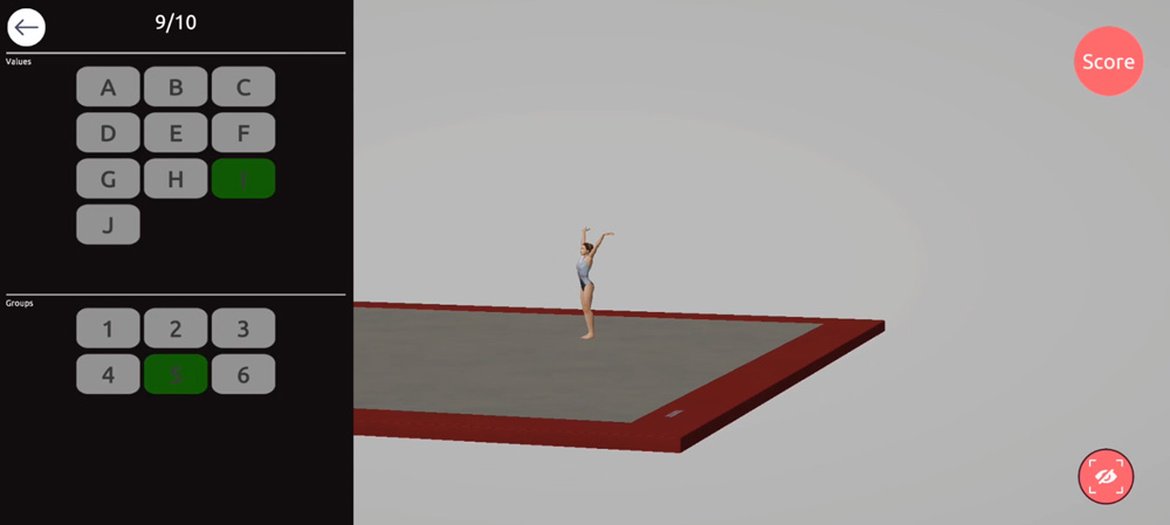
4- If you score 100%, your avatars will be unlocked!
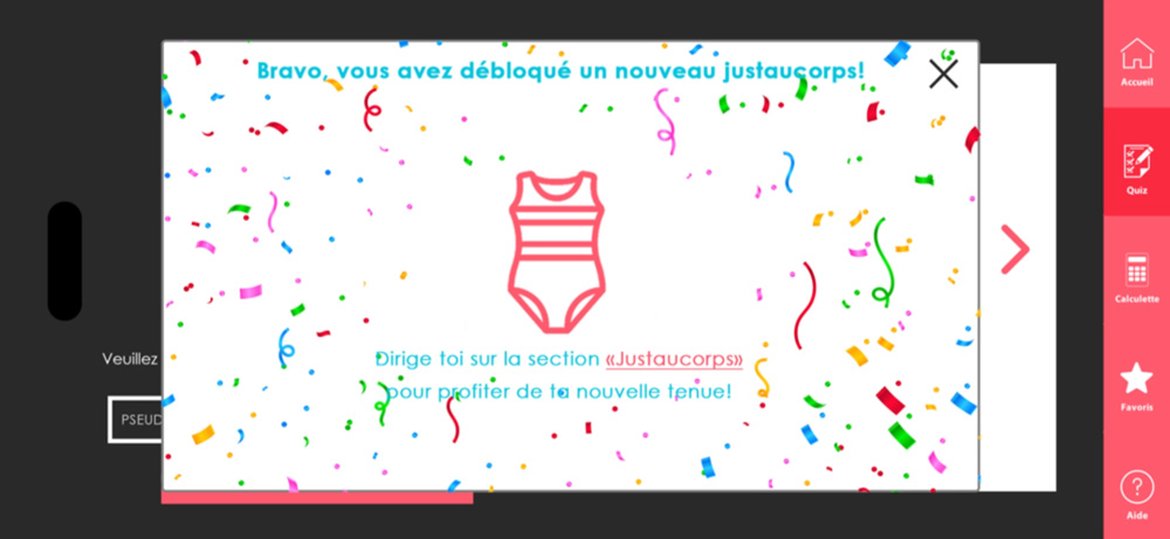
5- All avatars are now available. Select one, and it will be applied to all animations!