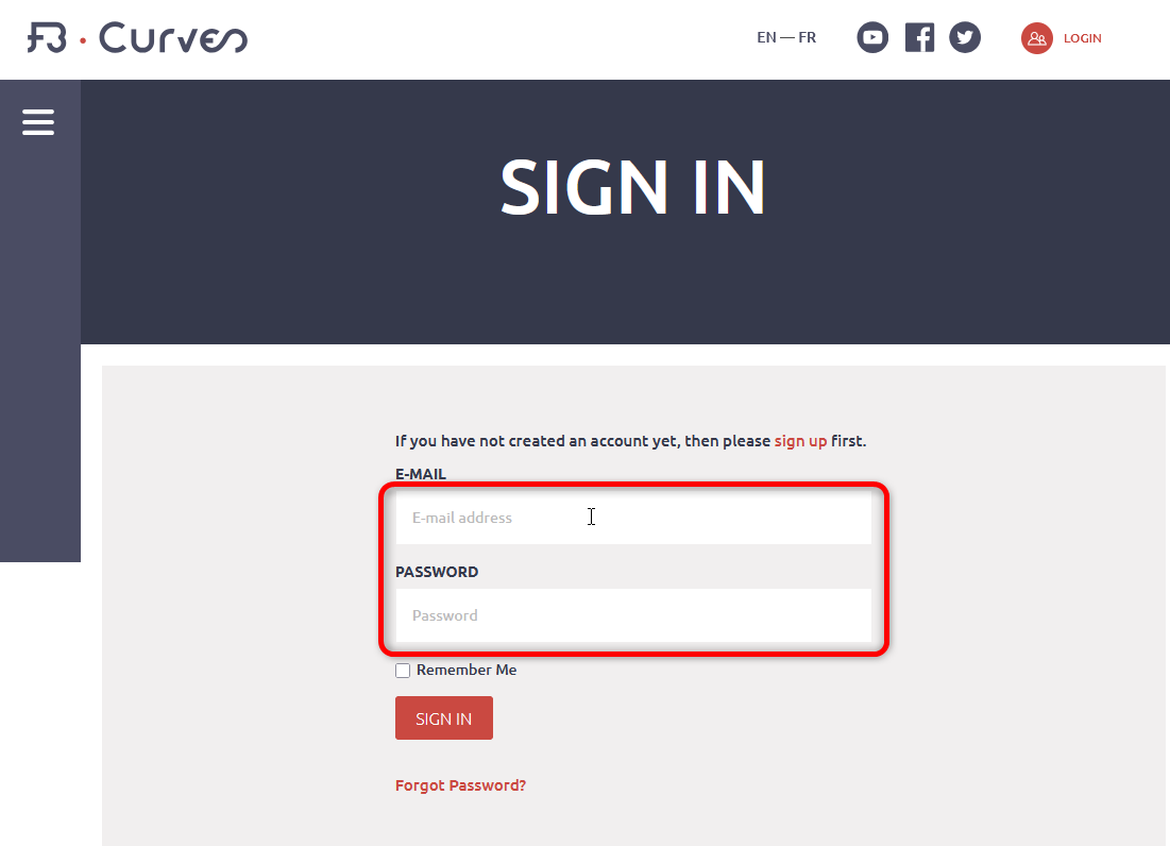
Change your password on the website (this will also change it in your application):
1 – Go to our website www.fb-curves.com.
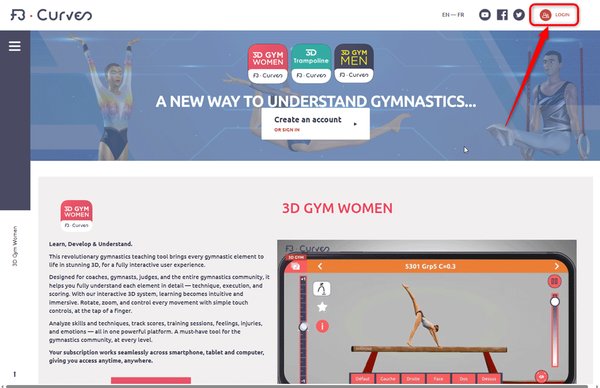
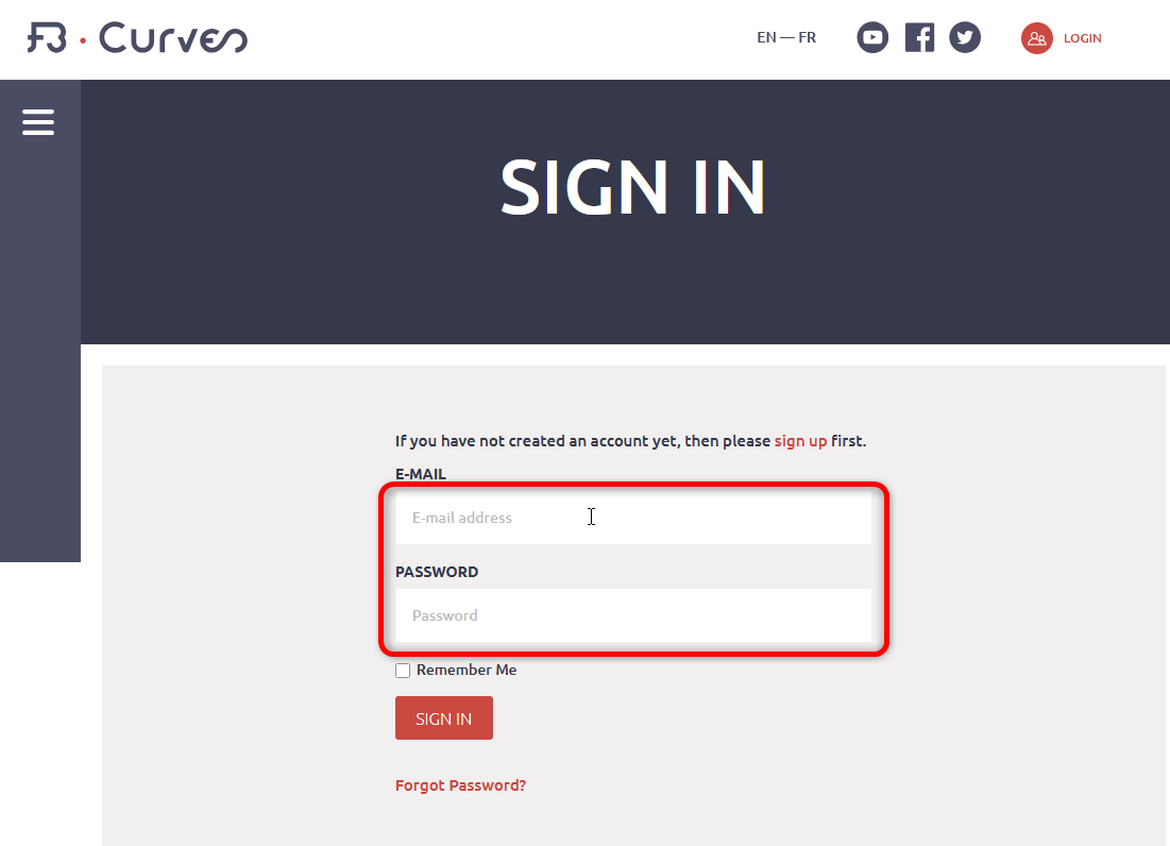
2 – Log in on the fb-curves website.
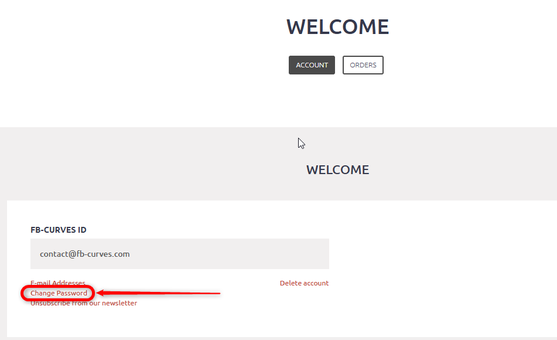
3- In your profile, click "change password"
4- Fill in all the fields and click "Save":
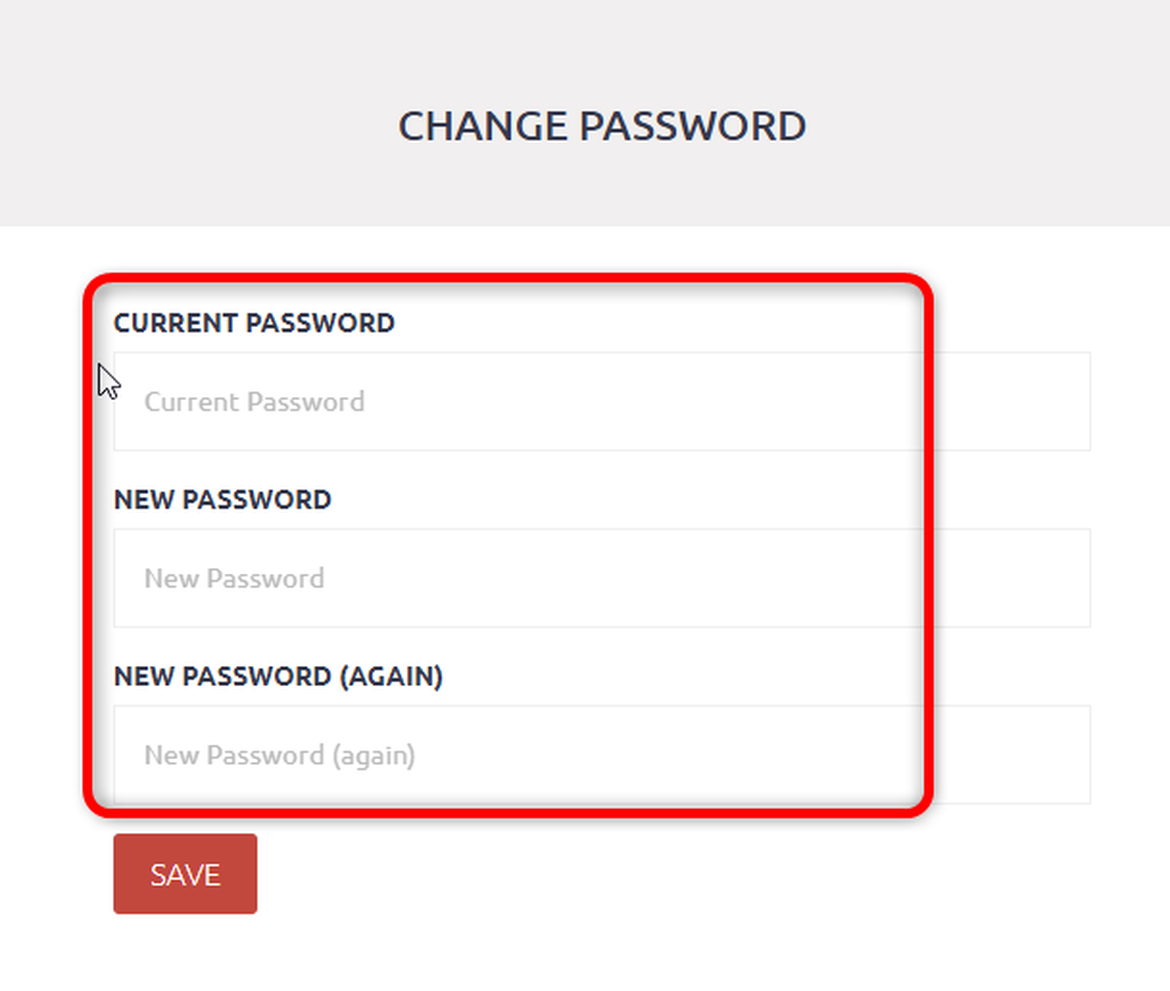
5- You can now log back in on the application.
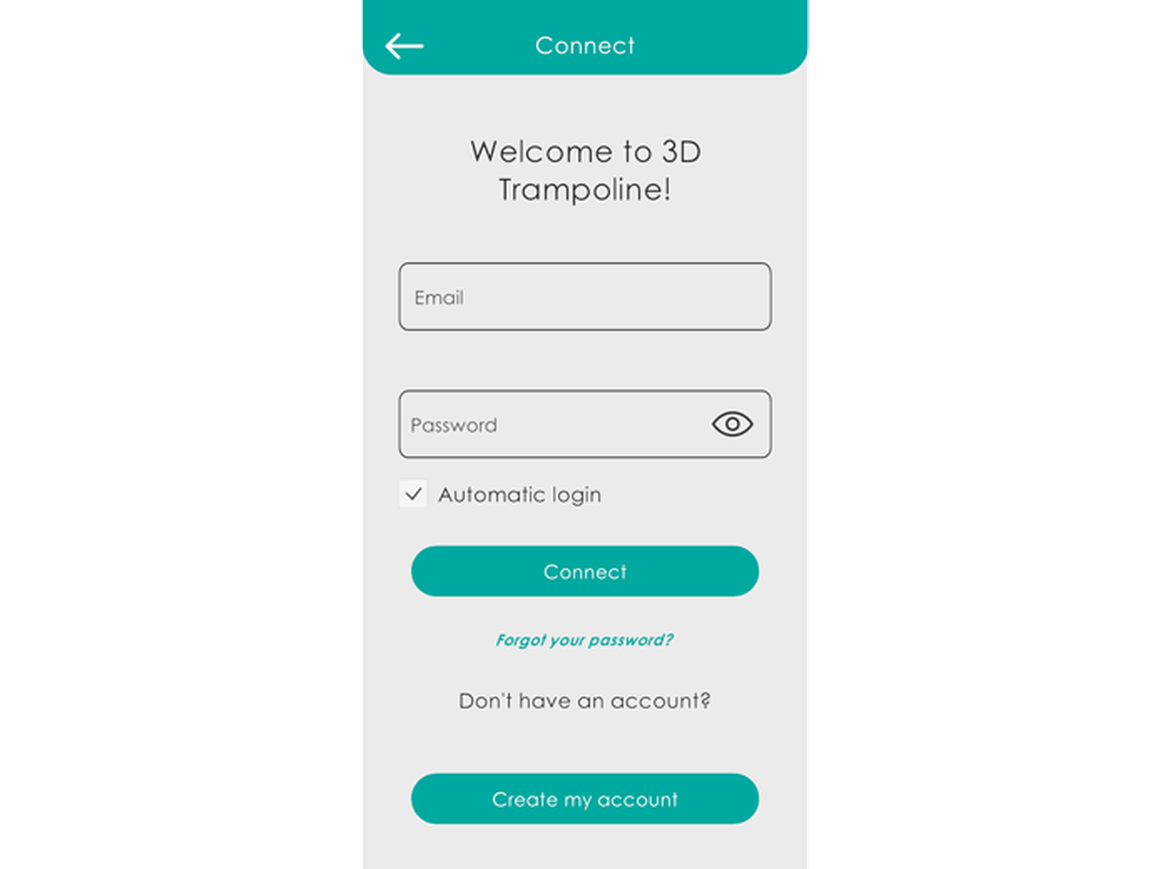
Change your password in the application (this will also update it on our website www.fb-curves.com).
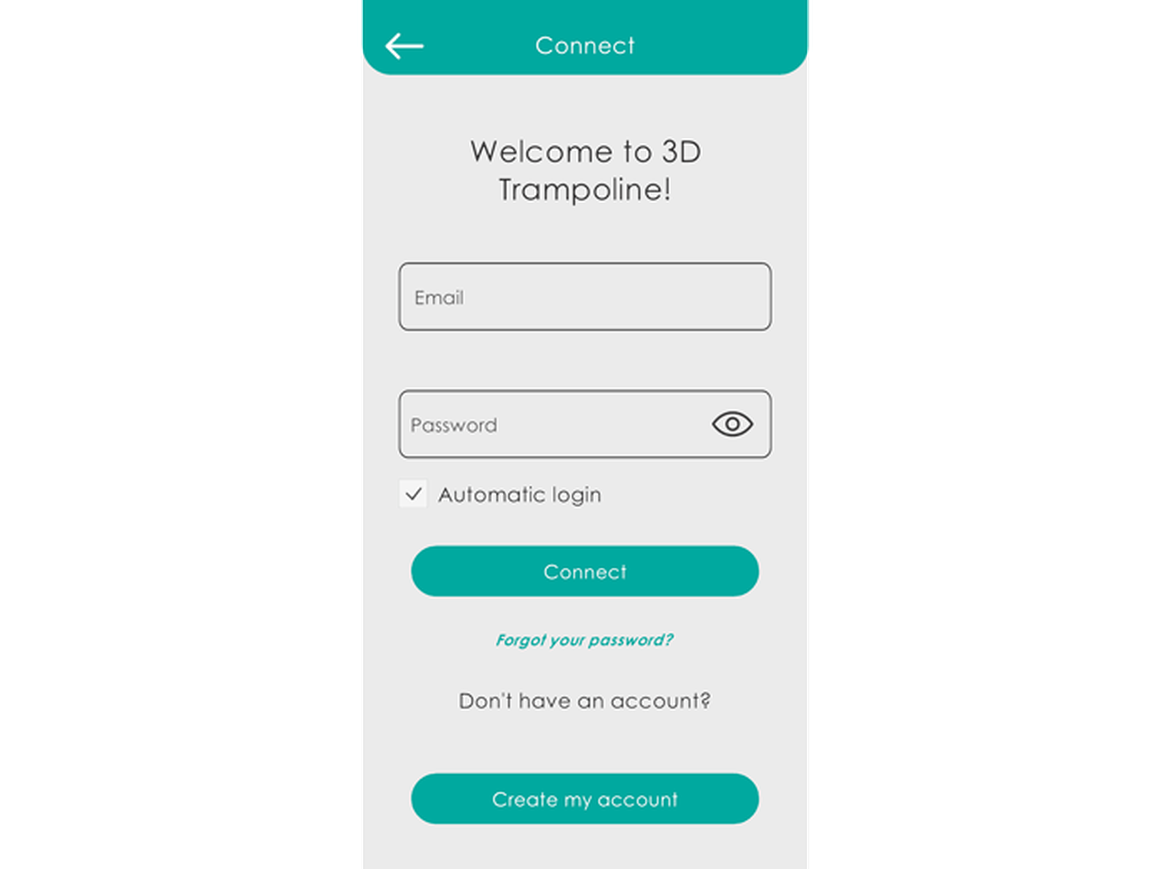
1- Connect on your app:
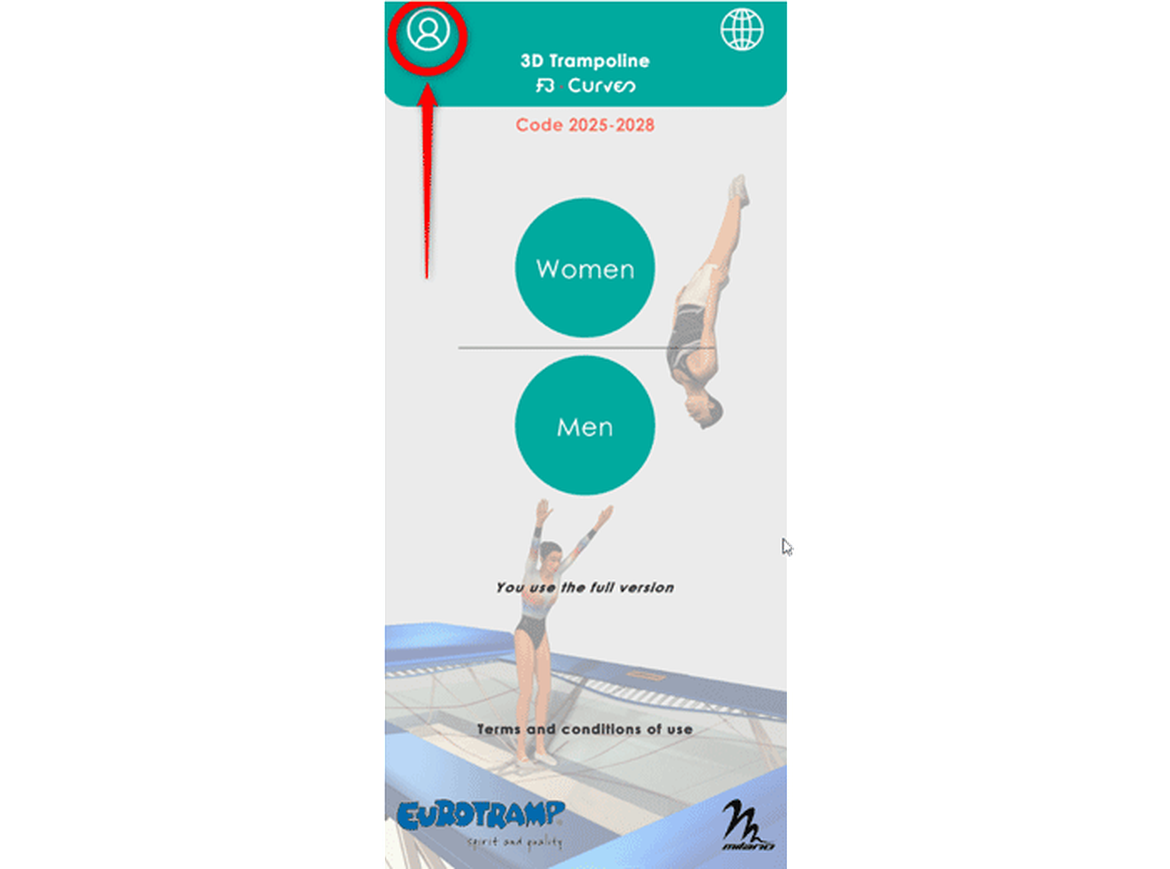
2- Click the button "Profile":
3- Click on "My profile":
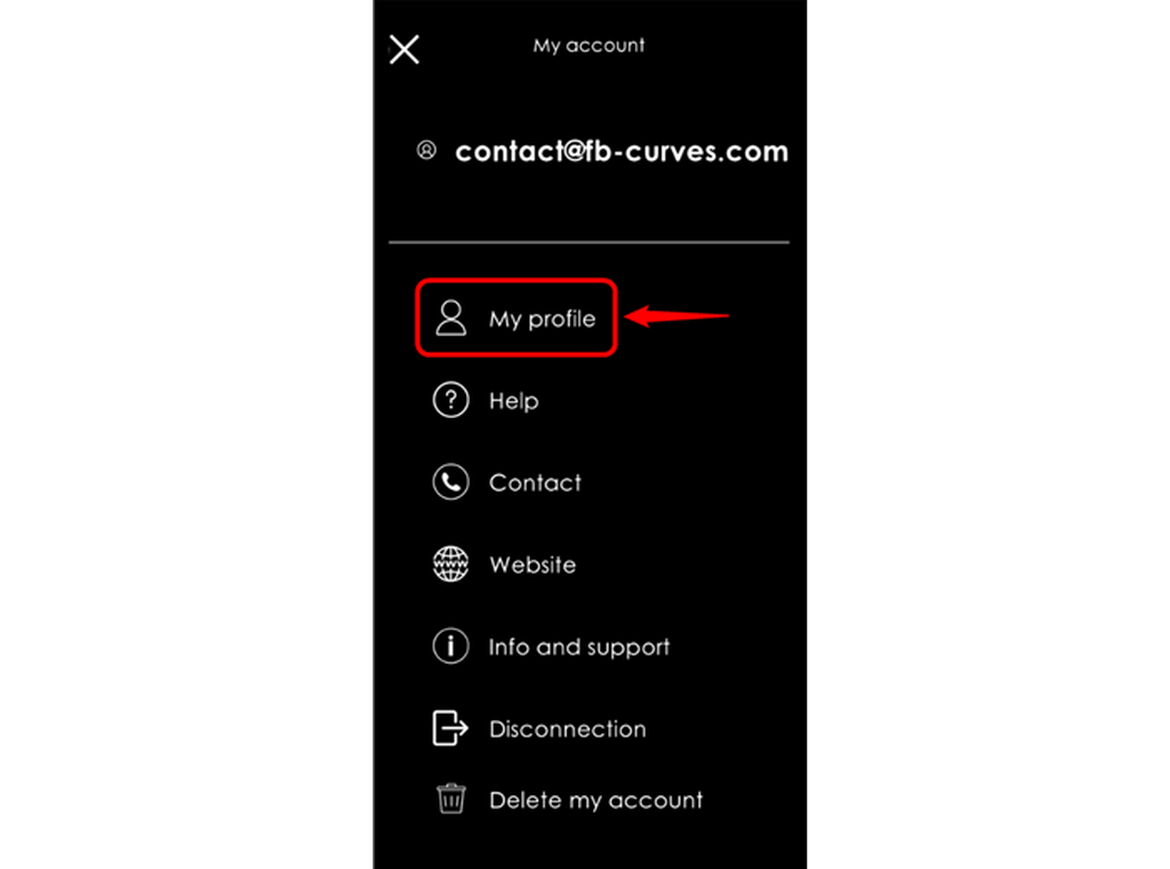
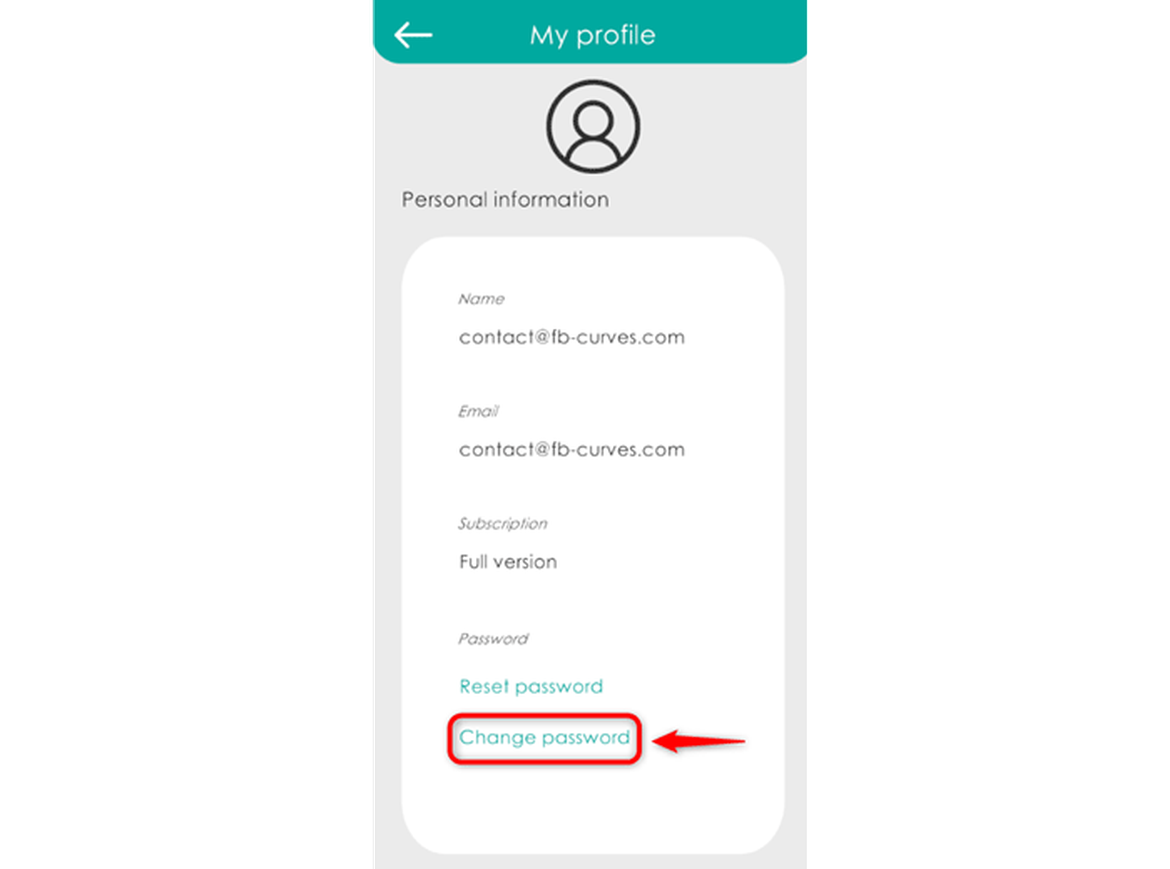
4- Click on "Change password":
5- Choose a new password, click "Change password":
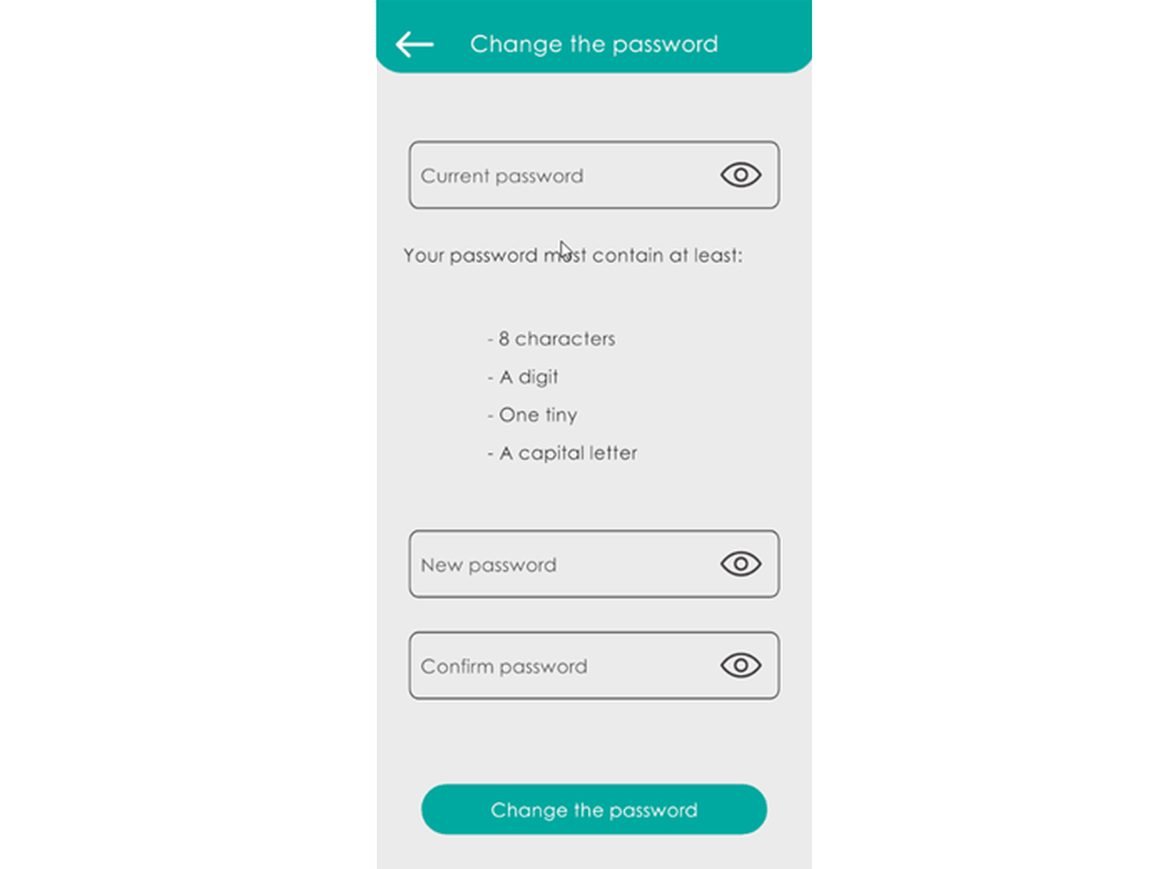
6- Your password will also be changed so you can log in to our site www.fb-curves.com :