Reset my password on the site www.fb-curves.com
1- Conect with your log in details for the "application" on the web site
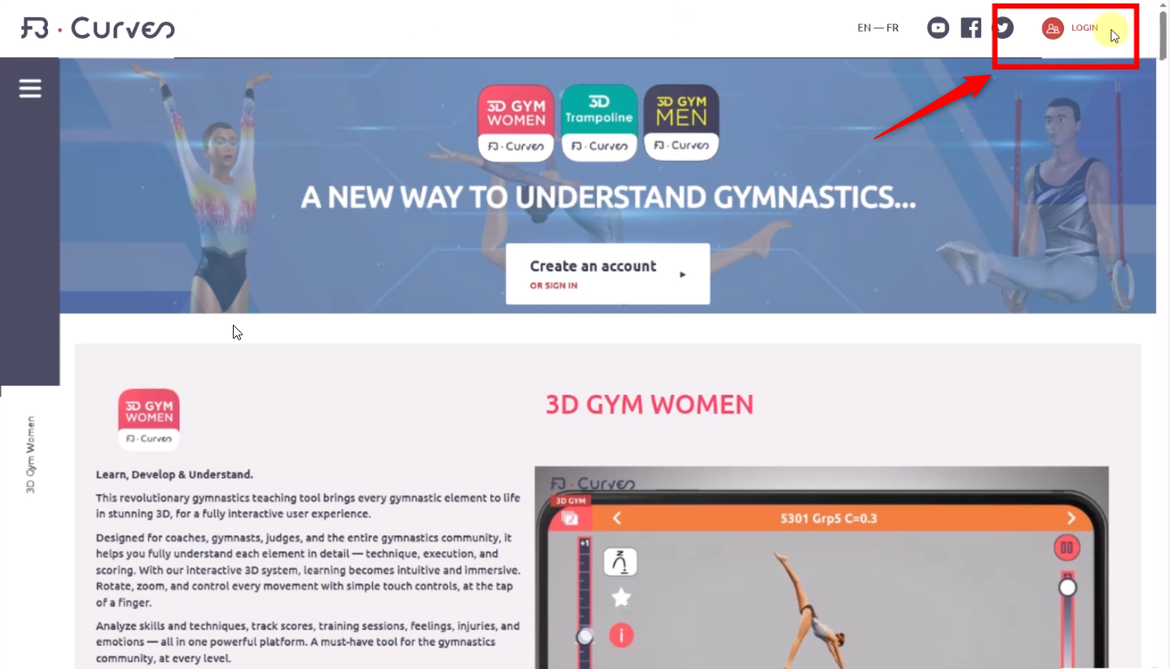
2- Click on "Forgot my password"
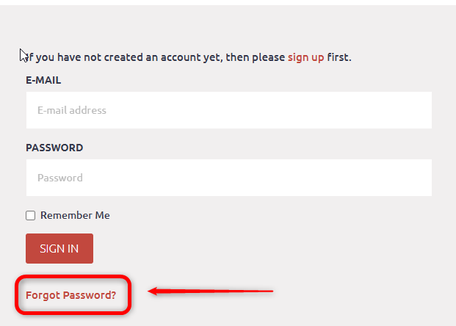
3- Enter your email address, then click “Reset my password.”
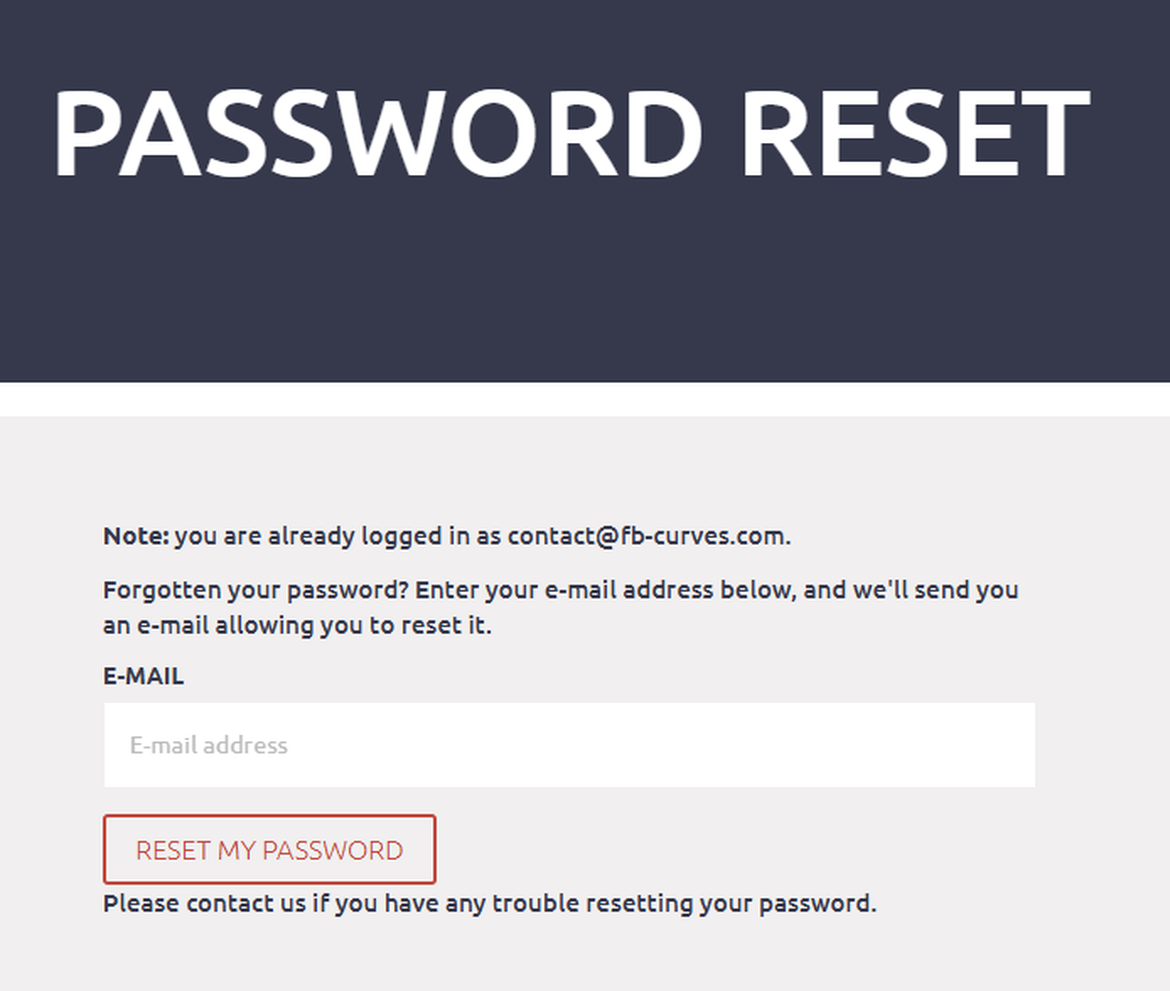
5- A new password has been sent to your email inbox.
Reset your password in the application (this will also change it on the website).:
1- Click on button "Profile":
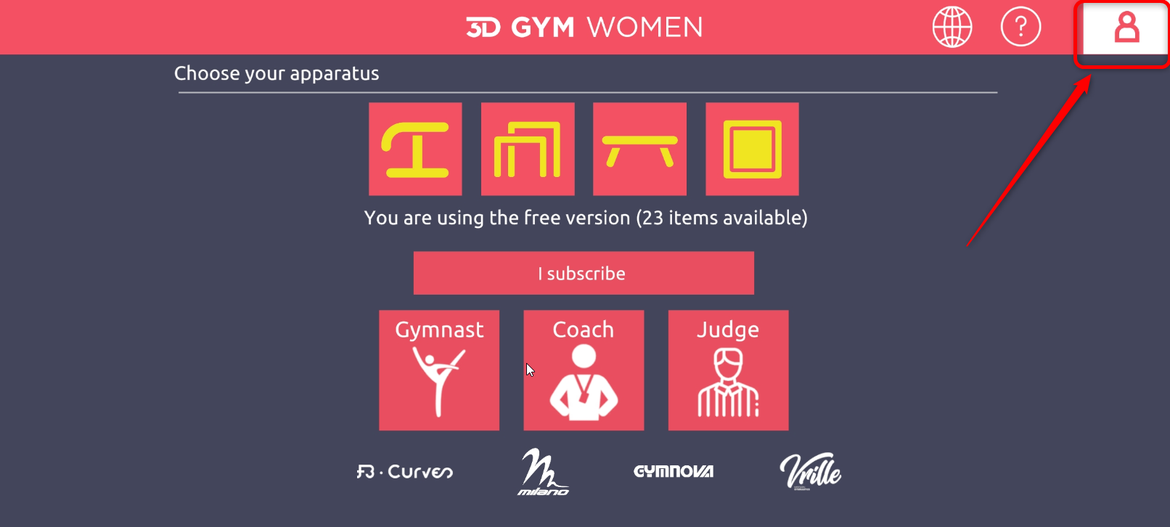
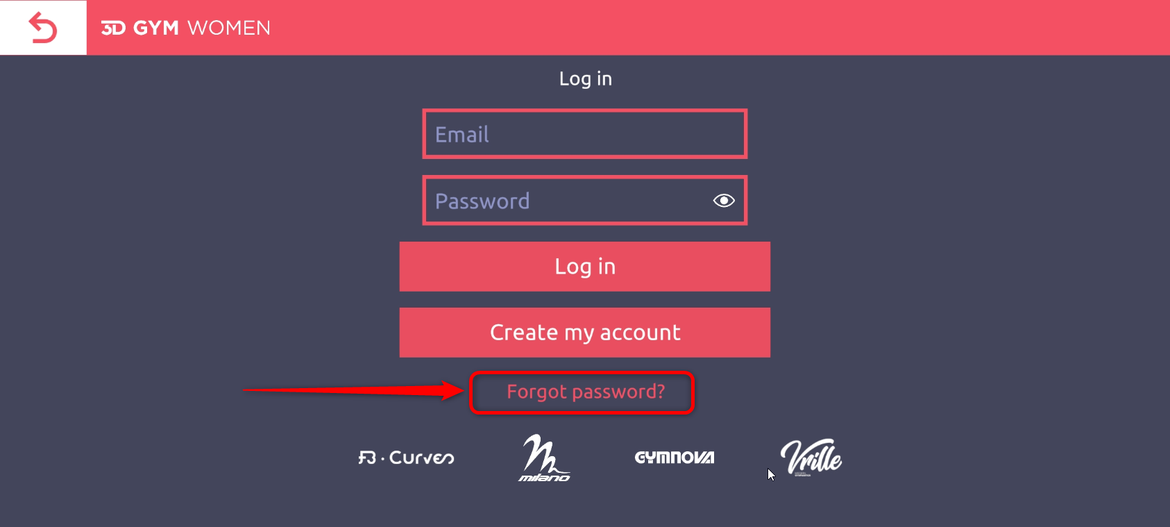
2- Click on "Forgot Password":
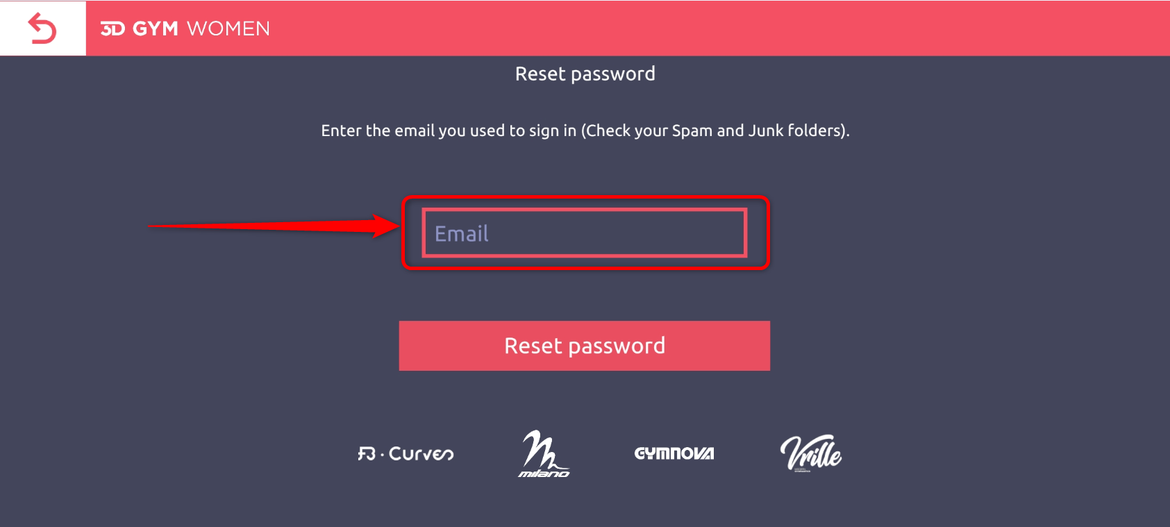
3- Enter your email:
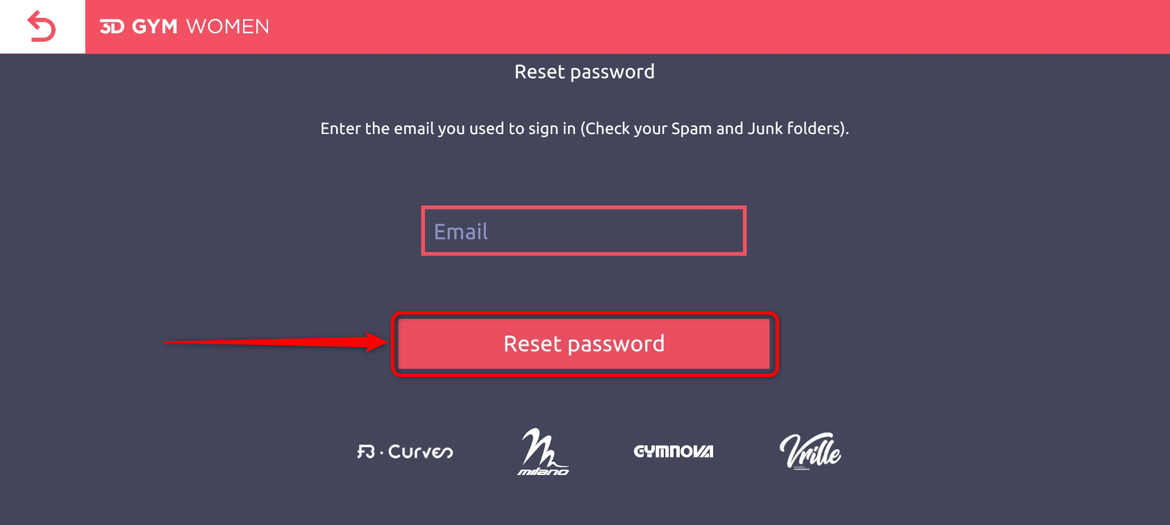
4- Click on "Reset password"
4- Log in on our web site www.fb-curves.com with your new password:
